
If you want your local business to dominate Maps and local search, Google Business Profile reviews are one of the most powerful ranking and conversion signals you control. A strong, steady flow of recent, high‑quality reviews can push your profile into the Map Pack, increase calls and website visits, and build instant trust with new customers. At the same time, weak, outdated, or negative reviews can quietly kill your local visibility and leads.
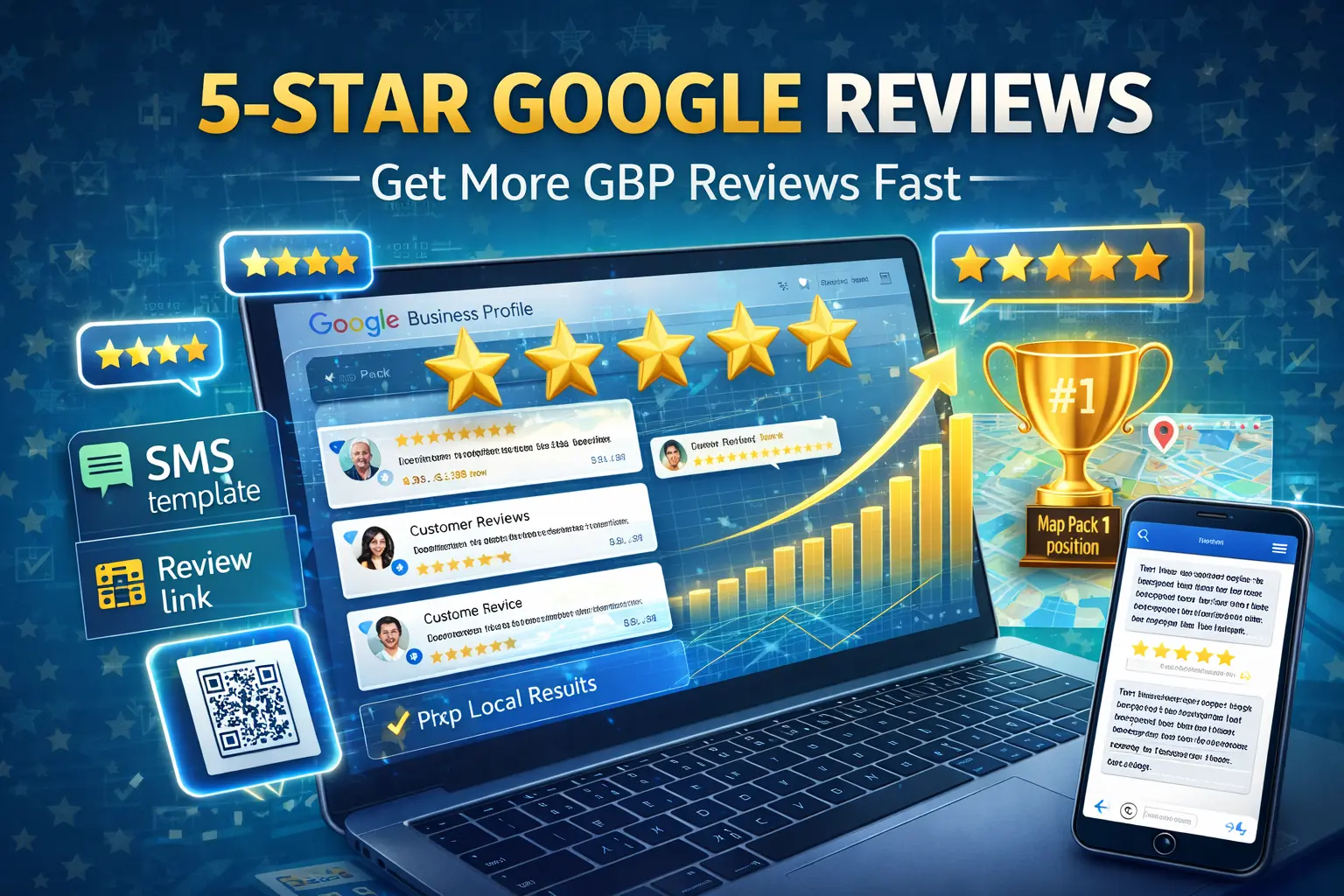
This guide shows you exactly how to set up a simple, ethical review system that brings in 5‑star ratings consistently, without breaking any rules or annoying your customers. You’ll learn what really matters to Google, how to ask for feedback the right way, and how to respond to reviews so you turn your profile into a 24/7 trust machine.
Why Google Business Profile Reviews Matter So Much
Before you build a system, you need to understand why google business profile reviews are so critical.
- They influence rankings in the local Map Pack and Google Maps.
- They heavily impact click‑through rate—profiles with more and better reviews get more taps and calls.
- They act as social proof, helping new customers feel safe choosing you over competitors.
- They give you keywords in user language—what customers say in reviews often matches what future searchers type or say.
Google looks not just at your average rating, but also at:
- Volume of reviews
- Recency (how often new reviews come in)
- Review content (detail, mentions of services, locations, and experience)
- Response behavior (whether you reply and how you handle feedback)
A business with 4.8 stars, 150 Google Business Profile reviews, and a steady flow of fresh feedback will almost always outperform a business with 5.0 stars and only 10 Google Business Profile reviews from two years ago.
How Google Evaluates Your Review Profile
To optimize google business profile reviews, think in terms of four pillars:
- Quantity – How many reviews you have compared to local competitors.
- Quality – Your average star rating and how detailed reviews are.
- Velocity – How consistently new reviews are arriving.
- Diversity – How many different customers, devices, and timeframes are represented.
Google’s goal is to surface businesses that are:
- Legitimate
- Popular
- Recently active
- Trusted by real people
Your review strategy should make all four pillars look natural, consistent, and strong.
How to Get Google Business Profile Reviews (The Right Way)
Now let’s answer the key question directly: how to get google business profile reviews quickly and safely, without breaking guidelines or annoying customers.
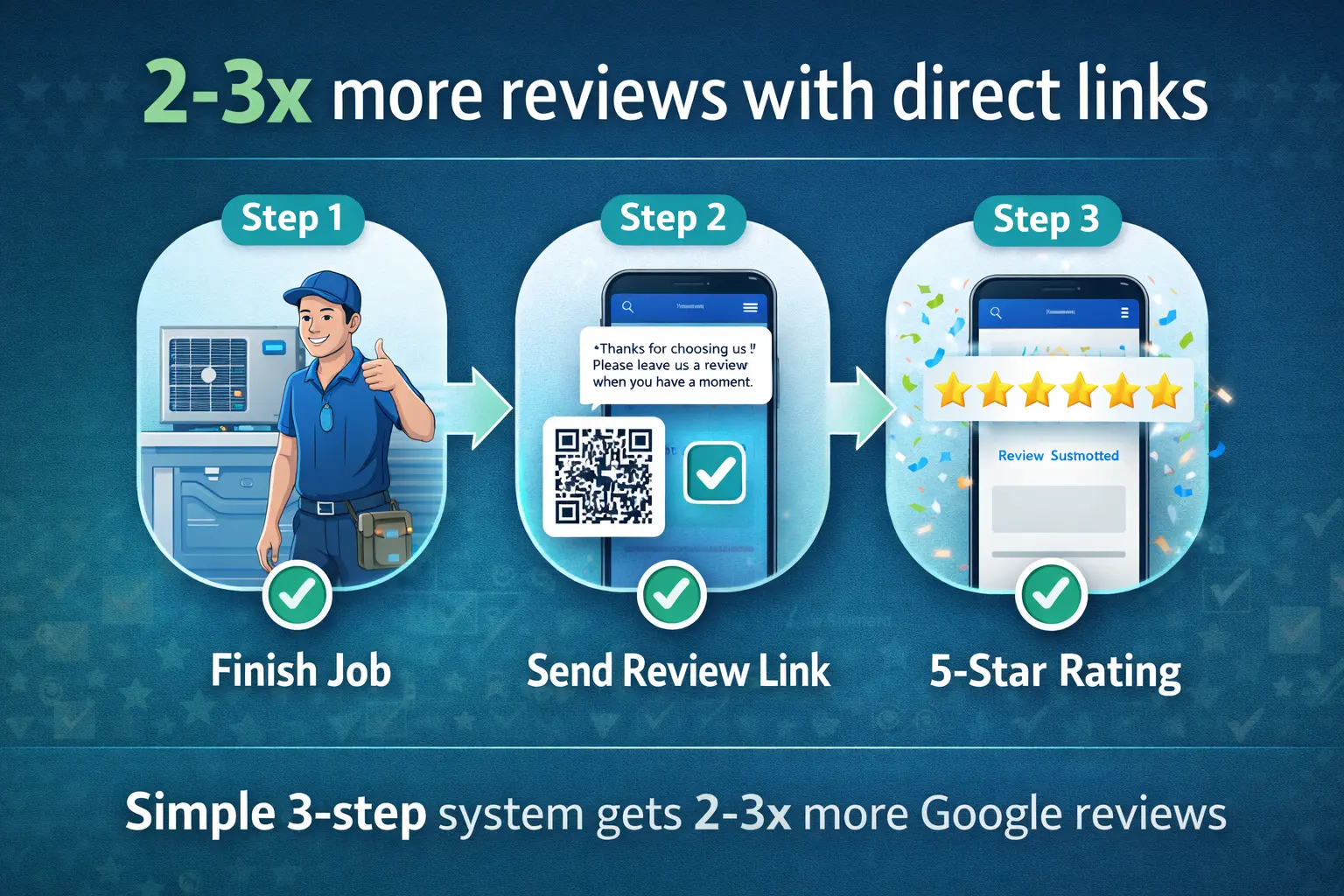
Step 1: Make Leaving a Review Stupid‑Simple
The harder it is to leave a review, the fewer you’ll get. You need a direct review link and 2–3 standard ways to share it.
- Generate your direct review link from your profile’s “Ask for reviews” section.
- Save that link in a safe place (doc, CRM, notes).
- Shorten it with a URL shortener if you want a cleaner link for SMS or print.
Use that link in:
- SMS / WhatsApp messages
- Email signatures and follow‑ups
- Printed cards or QR codes
- Website “Leave a review” buttons
Your customer should be able to tap once and land directly on the review box—no search, no extra steps.
Step 2: Time Your Ask for Maximum Response
The best time to ask for google business profile reviews is when the customer has just had a positive experience and is still emotionally invested.
Great moments to ask:
- Right after you complete a job or service
- Immediately after a successful appointment
- After a positive support interaction
- When a client expresses appreciation (in person, call, or chat)
Avoid asking when the experience is incomplete, stressful, or unresolved. You want to catch people at the “Wow, thank you” moment.
Step 3: Use Simple, Honest Templates
You’re allowed to ask for Google Business Profile reviews; you’re not allowed to buy or bribe them. Avoid incentives, reward schemes, or anything that could be interpreted as “5 stars for a discount.”
Here are ethical, effective templates.
In-person ask:
“If you’re happy with our work today, it would mean a lot if you could leave a quick Google review. I can text you the link—it only takes 30 seconds and really helps other customers find us.”
SMS / WhatsApp:
“Hi [Name], thanks again for choosing us for [service]. Could you spare 30 seconds to share your experience on Google? It helps other people in [city] find a business they can trust: [review link]”
Email follow‑up:
Subject: Quick favor – your feedback
Hi [Name],
It was great working with you on [service] at [location]. Your experience helps us improve and helps others in [city] choose the right provider.
Would you mind leaving a short Google Business Profile reviews about today’s visit?
[Leave a Google review]
Thank you for your time and support!
Important: never pre‑write reviews or push for a specific rating. Let customers share honest feedback in their own words.
Building a Simple Review System That Runs Every Day
To make google business profile reviews grow consistently, you need a repeatable process.
Step 1: Define Who Asks and When
Decide:
- Who is responsible (tech, receptionist, account manager, you)
- At exactly what moment they ask (after payment, at door, via email same day)
Example SOP:
- Technician finishes the job → shows before/after → asks verbally.
- Then marks “Ask for review” in the job sheet.
- Office sends SMS with the direct review link within 1–2 hours.
Step 2: Set Weekly Micro-Goals
Instead of thinking, “We need 100 reviews,” think:
- “We will ask 10 customers for reviews every week.”
- “Our goal is to get 5 new Google Business Profile reviews per week.”
Track:
- Number of customers asked
- Number of reviews received
- Conversion rate from ask → review
Even a small business can hit 15–25 new reviews per month with a simple, consistent system.
Step 3: Use Gentle Reminders (Without Spamming)
If a customer didn’t leave a review after the first ask, one gentle reminder is okay.
Example reminder:
“Hi [Name], just a quick reminder about the Google review link we sent. Your feedback really helps local customers in [city]. If you’ve already left one, thank you so much!”
No more than one reminder per customer. If they ignore it, let it go.
What a Perfect Google Business Profile Review Looks Like
You can’t write reviews for customers, but you can guide them toward helpful details.
A strong review usually includes:
- Service received
- Location or area
- Outcome or benefit
- Something about your speed, professionalism, or communication
Example of a powerful review:
“We hired [Business Name] for emergency plumbing in [Neighborhood]. They arrived within an hour, fixed the leak quickly, and explained everything clearly. Fair pricing, friendly team—highly recommended!”
These types of reviews:
- Help future customers imagine their own experience
- Naturally include keywords (service + city)
- Send strong relevance signals to Google
You can encourage this by saying:
“If you mention the service we did and your neighborhood in your review, it really helps others in your area find us.”
How to Respond to Google Business Profile Reviews
Replying to google business profile reviews is just as important as getting them. It shows you’re active, you care, and you’re listening.
Responding to Positive Reviews
Goals:
- Show gratitude
- Reinforce what you want more of (speed, quality, specific service)
- Invite them back or to refer others
Example:
“Thank you, [Name], for the great feedback! We’re glad we could help with [service] in [neighborhood]. If you ever need assistance again or have friends in the area who do, we’d love to help.”
Responding to Neutral Reviews
Use neutral reviews as insights.
Example:
“Thanks for your honest feedback, [Name]. We’re glad we could [positive aspect], and we appreciate your notes about [issue]. We’re already working on improving this. If there’s anything else we can do, please contact us directly at [phone/email].”
Responding to Negative Reviews
Do not panic or argue publicly. A calm, professional response can recover trust and even turn critical reviews into assets.
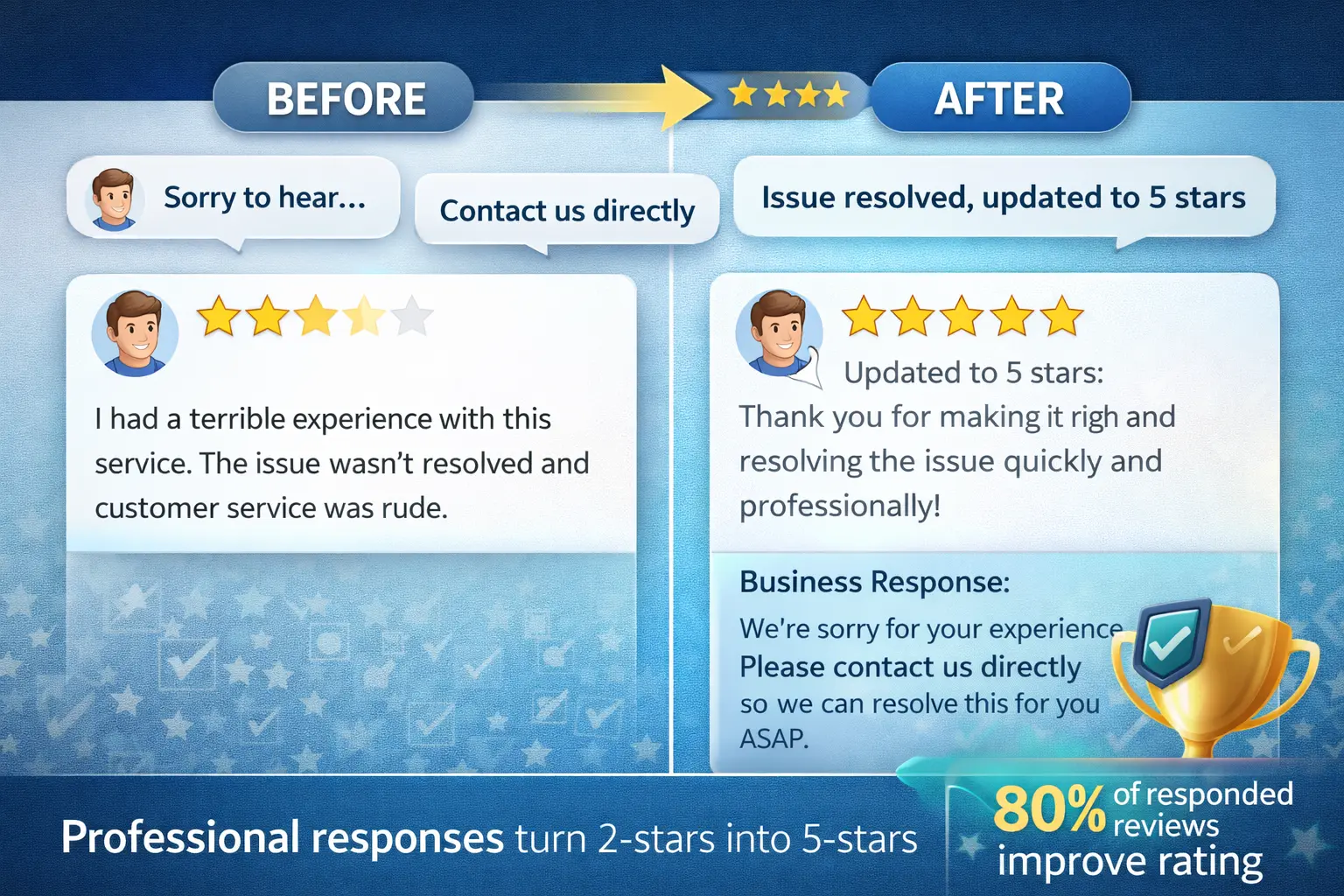
Steps:
- Acknowledge their experience.
- Apologize if appropriate.
- Clarify or explain briefly (no long arguments).
- Move the conversation offline.
Example:
“Hi [Name], we’re sorry to hear you had this experience—that’s not the level of service we aim to provide. We’d like to understand what happened and make it right. Please contact us at [phone/email] so we can discuss this directly.”
Avoid:
- Blaming the customer
- Revealing private details
- Asking them to change or delete the review publicly
Avoiding Fake Reviews and Policy Violations
Trying to “game” google business profile reviews with fake or incentivized feedback can backfire badly—suspensions, review removal, or reputation damage.
Never:
- Pay for reviews or offer discounts/gifts in exchange for 5 stars
- Ask staff to leave fake reviews
- Use review exchange groups or bots
- Post reviews on behalf of customers from your own devices
Do:
- Encourage real, honest feedback
- Focus on volume + consistency over perfection
- Let your genuine service quality drive the positivity
A profile with a few honest 3–4 star reviews often looks more realistic than a profile with 50 perfect 5‑star ratings and nothing else.
Integrating Reviews Into Your Overall Local SEO Strategy
Reviews don’t sit in isolation; they amplify all your other local SEO efforts.
1. Reviews + Google Business Profile Optimization
When your google business profile is fully optimized (categories, photos, services, posts), strong google business profile reviews push you to the top of more searches. Reviews increase clicks, and higher engagement sends positive feedback signals back into the algorithm.
2. Reviews + Website Content
You can:
- Embed selected reviews on your service pages (without editing content)
- Build “Customer stories” or case studies based on review themes
- Use review snippets in your meta descriptions or headers
This reinforces trust and gives visitors social proof at every step.
3. Reviews + Citations and Directories
If you list your business on high‑quality directories (including your own platform if you’re running a directory site), make sure your NAP data matches your Google profile. Consistent details + strong reviews work together to build authority.
Advanced Strategies: Leveling Up Your Review Game
Once you have a basic review system, you can add more advanced tactics.
Segment Your Review Requests
Tailor your ask based on customer type:
- High‑value clients → personalized emails
- One‑time customers → SMS/WhatsApp
- Long‑term accounts → periodic check‑ins + review ask
More personalization usually means higher response rates.
Track Review Velocity and Competitors
Monitor:
- How many google business profile reviews you earn per week
- How many your top 3 local competitors get
- Average rating trends over time
If your competitor is adding 5 reviews/week and you’re adding 1, you know you need to increase your ask volume.
Showcase Reviews Everywhere
Don’t hide your reviews; make them visible.
- On landing pages and service pages
- In proposals and PDF brochures
- In your email marketing and social posts
This multiplies the impact of each review and reminds customers that their feedback matters.
Review Management Checklist (Copy and Use)
Use this checklist to manage google business profile reviews like a pro:
Setup:
- Direct review link generated and saved
- Simple templates created for SMS, email, and in-person asks
- Team trained on when and how to ask
Weekly actions:
- Ask at least X customers for a review
- Monitor new reviews and reply to all within 24–48 hours
- Check for any policy-violating or spammy reviews to flag
Monthly actions:
- Compare review count and rating with top 3 local competitors
- Review feedback patterns for service improvements
- Update website content with strongest new reviews (where appropriate)
Conclusion: Turn Reviews Into a Competitive Moat
In 2026, google business profile reviews are one of the clearest ways to stand out in crowded markets. A business with a consistent stream of real, detailed, positive feedback will almost always be chosen over one with few or outdated reviews—even if both show up in the same Map Pack.
By making it easy to leave reviews, timing your asks correctly, responding thoughtfully to every review, and avoiding shortcuts, you can build a profile that keeps working for you 24/7. Focus on honest service, simple systems, and consistent follow‑through, and your Google Business Profile will become one of your most powerful lead‑generation assets.
Also see:
)